A bookmark manager that respects your privacy.
Save links from anywhere on the web. Organise them with topics. Store everything in your own Solid pod. Every new account starts with a 14-day free Pro trial — no card needed — so you can explore your bookmarks as a connected knowledge graph from day one.
Included with every account
Everything you need to own your bookmarks.
Bookmarks that live in your own pod
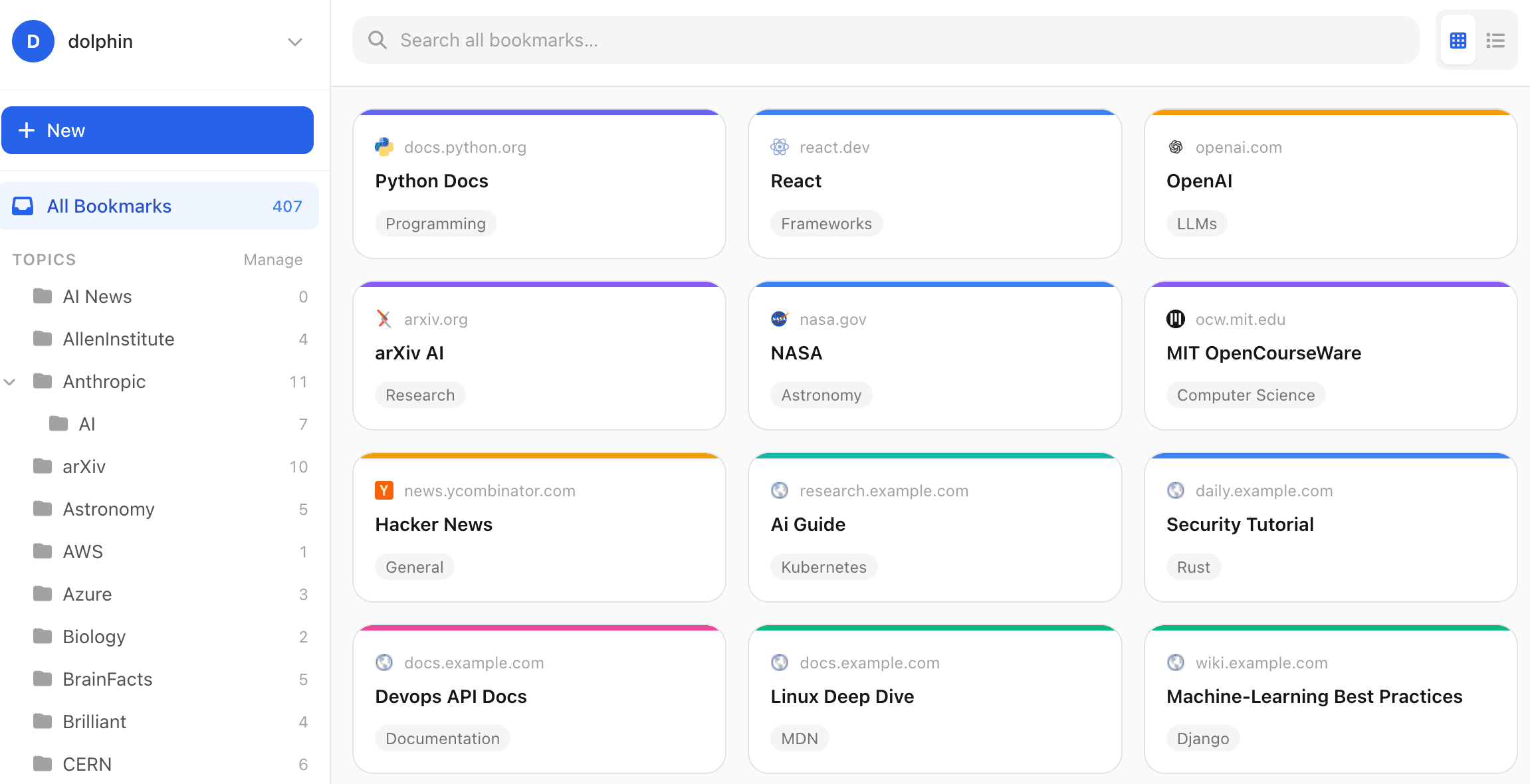
Save anything from anywhere on the web. Your bookmarks are stored in your Solid pod — a personal data store you control. No tracking. No vendor lock-in. Move providers any time and your data comes with you.
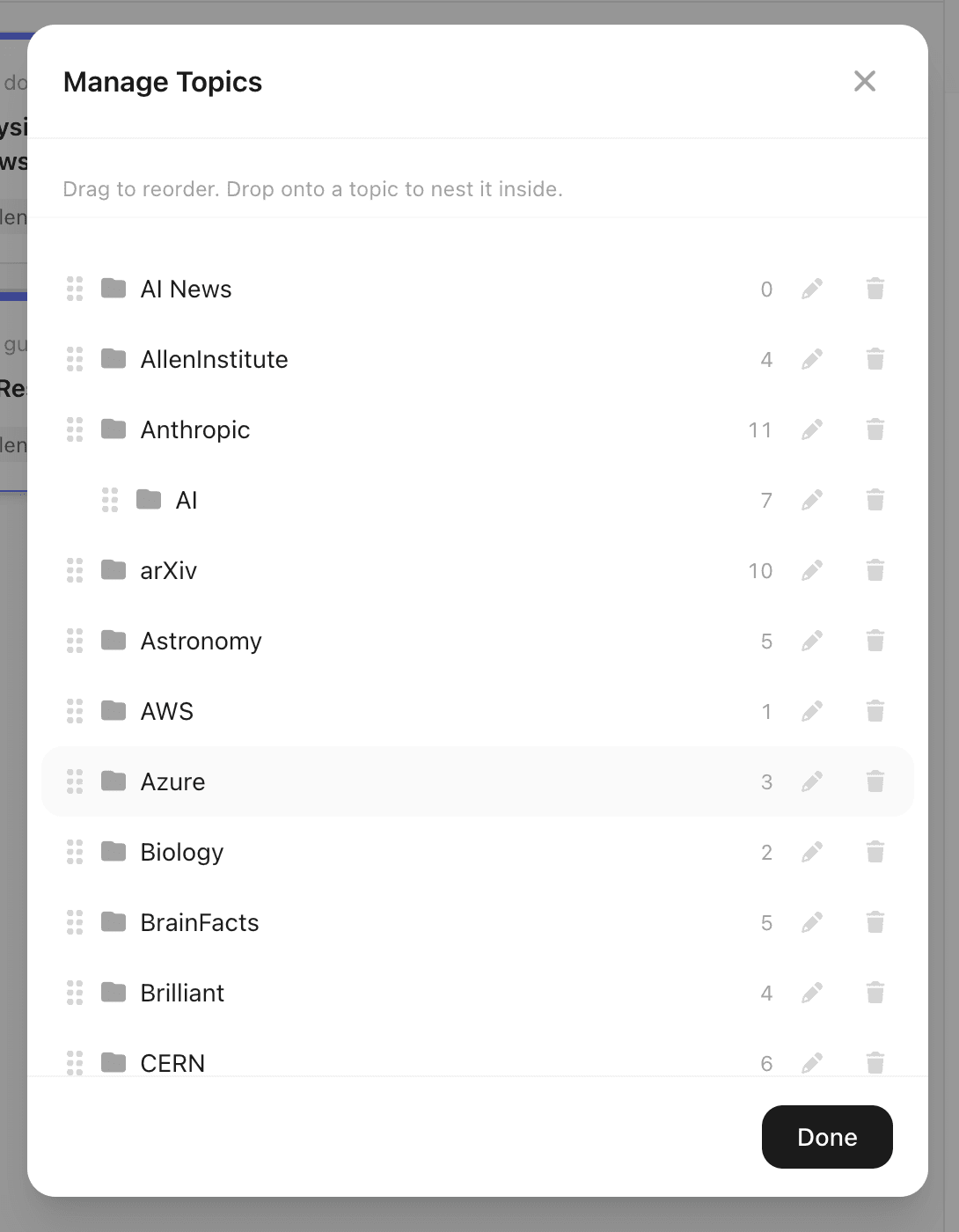
Organise with topics and subtopics
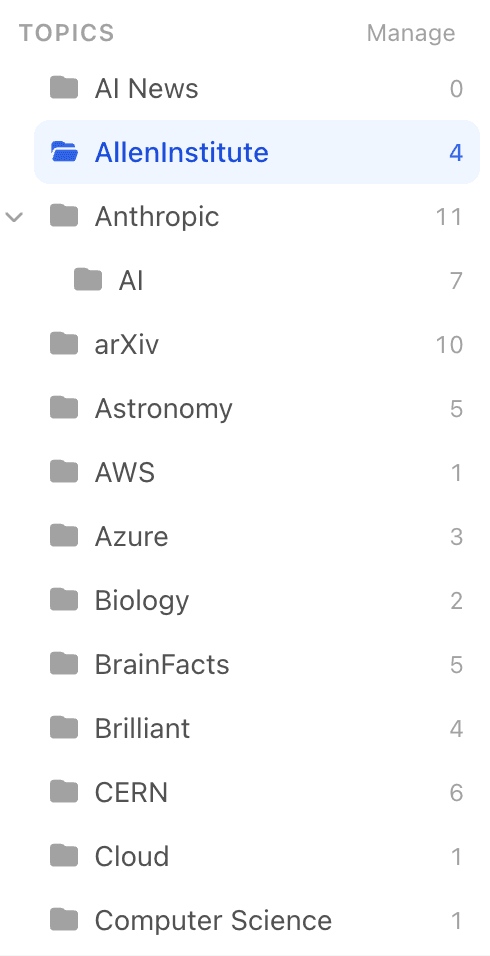
Group bookmarks under topics, nest subtopics under parents, and let one bookmark live in several places at once. Drag-and-drop in the topic manager makes restructuring effortless.
Save in one click - Chrome extension
The browser extension lives in your toolbar. Press it on any page to save the URL, pick a topic, and you're done. Works alongside any Solid-compatible app.
Bring everything with you
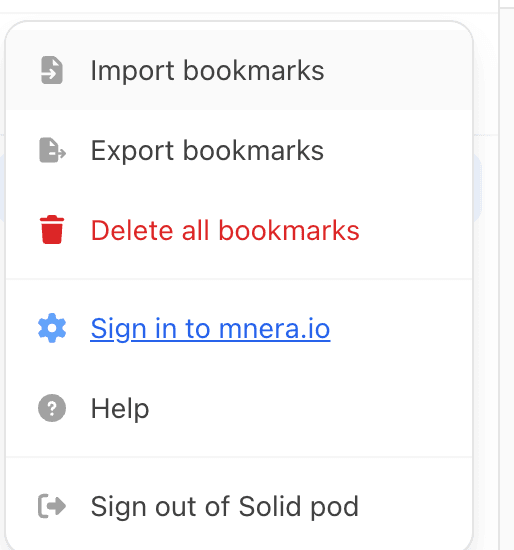
Import from Chrome, Firefox, Safari, Edge, Pocket, Raindrop.io, Evernote, plain text, or raw RDF/Turtle. Folder structures become topics. Tags become topics too.
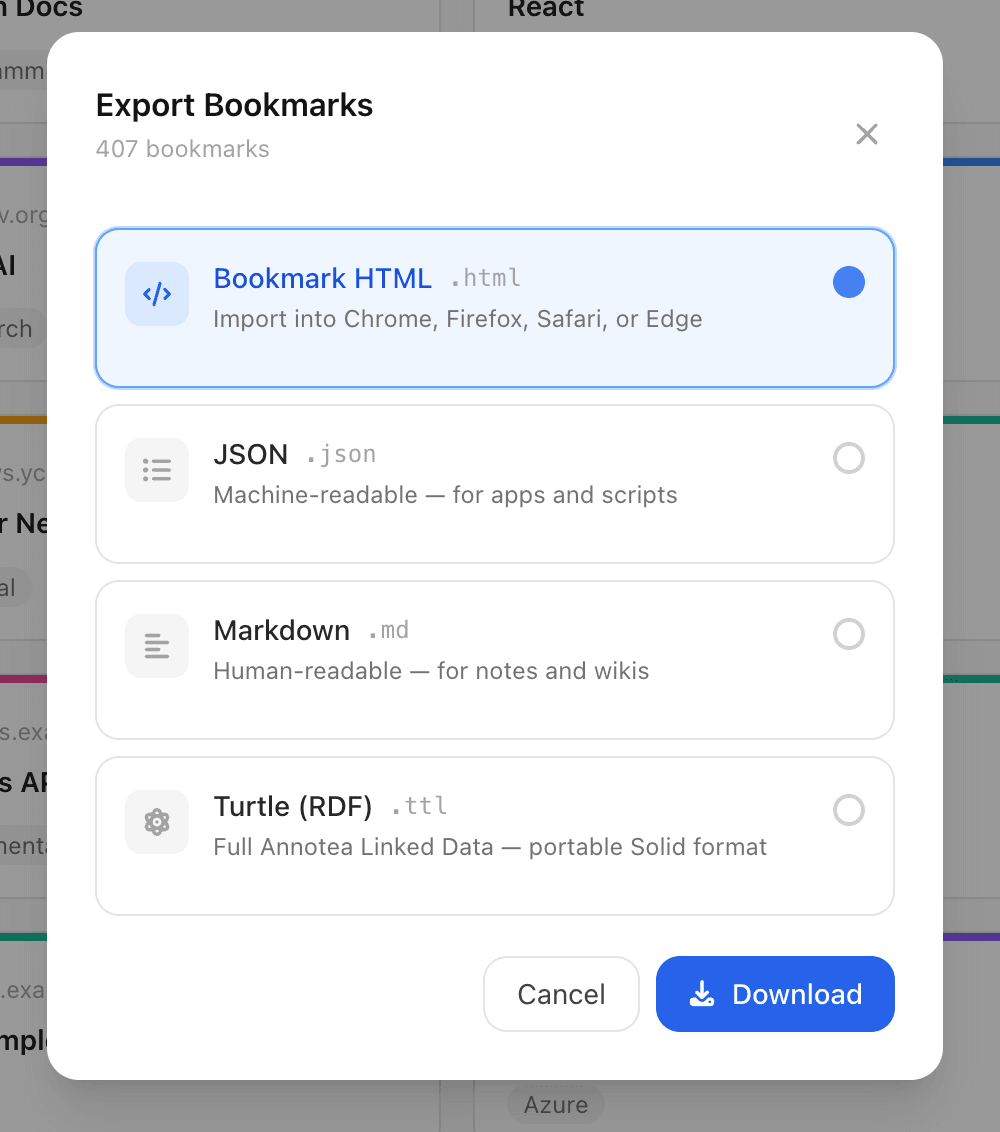
Export to standard formats
Take a snapshot in Netscape HTML, JSON, Markdown, or Turtle. Your data is portable by design — these are interchange formats supported by every major bookmark tool.
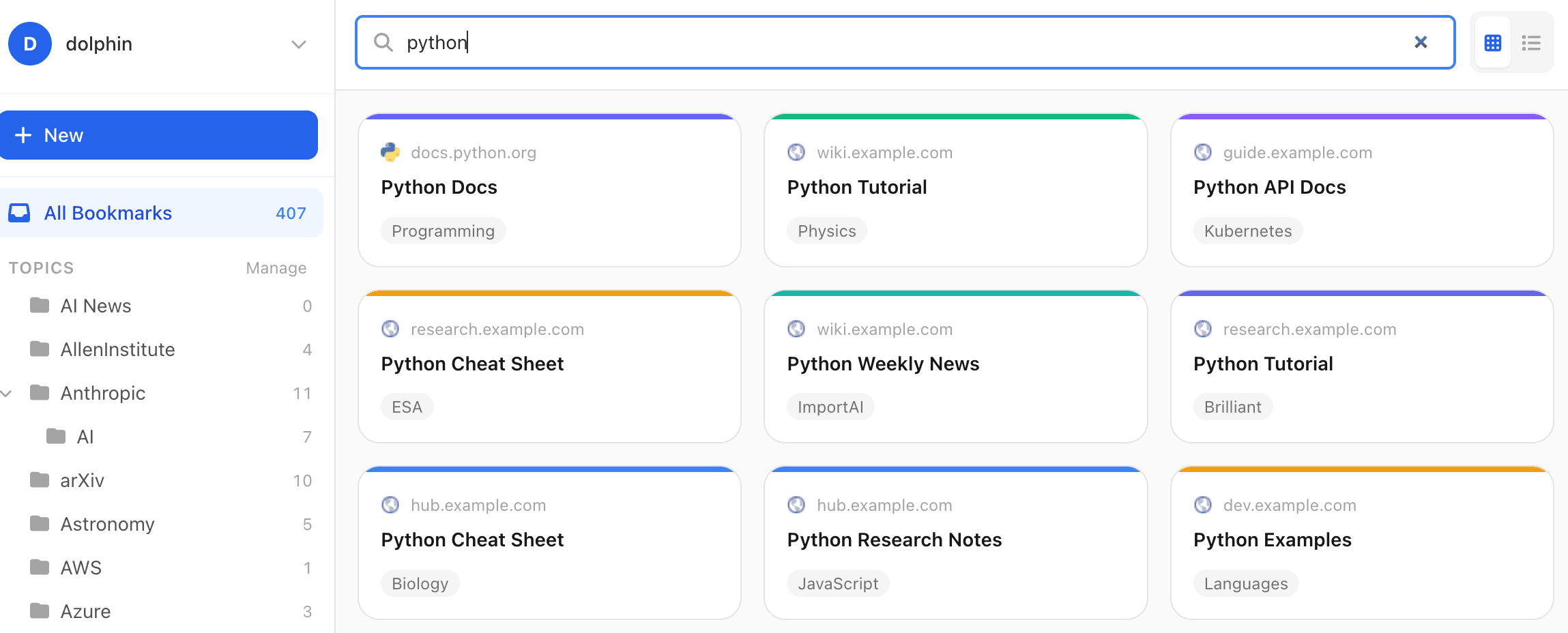
Search across titles, URLs, descriptions, topics
Basic substring search is built in and fast. Filter by topic, scope to a sub-tree, or scan everything at once.
With a free mnera.io account
Collections
Keep different sets of bookmarks completely apart — Work, Personal, Recipes. Each collection is its own file, shareable and archivable on its own. Learn more.
Bookmarks file repair
Cleans up empty leftover values that can prevent edits from saving on stricter Solid servers. Non-destructive and safe to run any time.
Your bookmarks as a knowledge graph.
Pro turns the topic structure you've been building into an explorable graph. Discover hidden connections, navigate by relationship instead of just search, and visualise the shape of your knowledge.
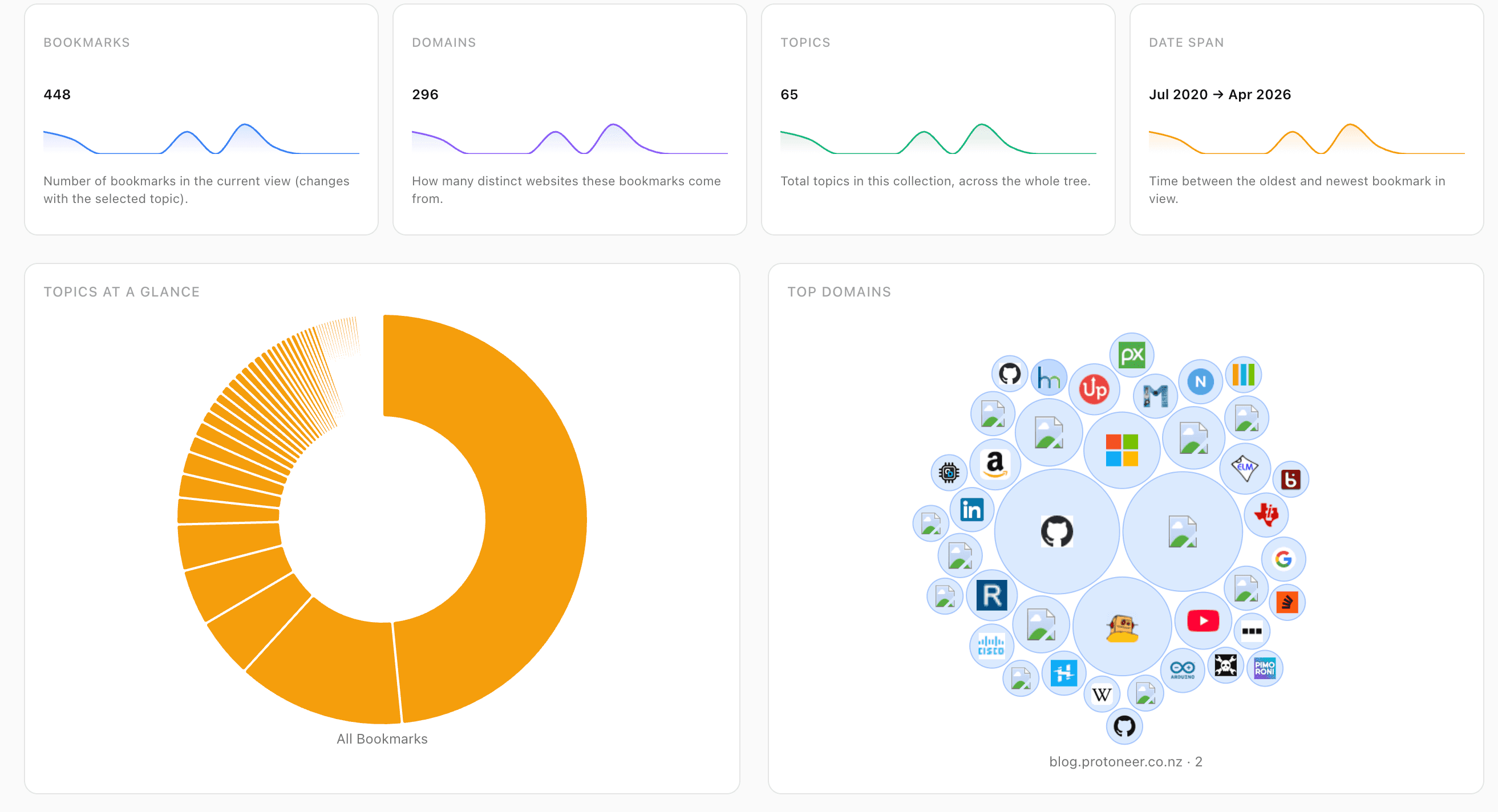
Atlas — see the shape of your collection
A view mode that swaps the bookmark list for charts: counts and sparklines, a topic sunburst, a domain bubble pack, a 3-year activity heatmap (click any day to see what you saved), a normalised stacked area of how topic share evolved over time, and a cover mosaic. Every element is a drill-down into a filtered list.
 Pro
ProTopic Explorer
Open the explorer to see your topic hierarchy and the connections between topics at a glance. Pick any topic and instantly see related topics, the bookmarks it contains, and where it sits in the bigger graph.
 Pro
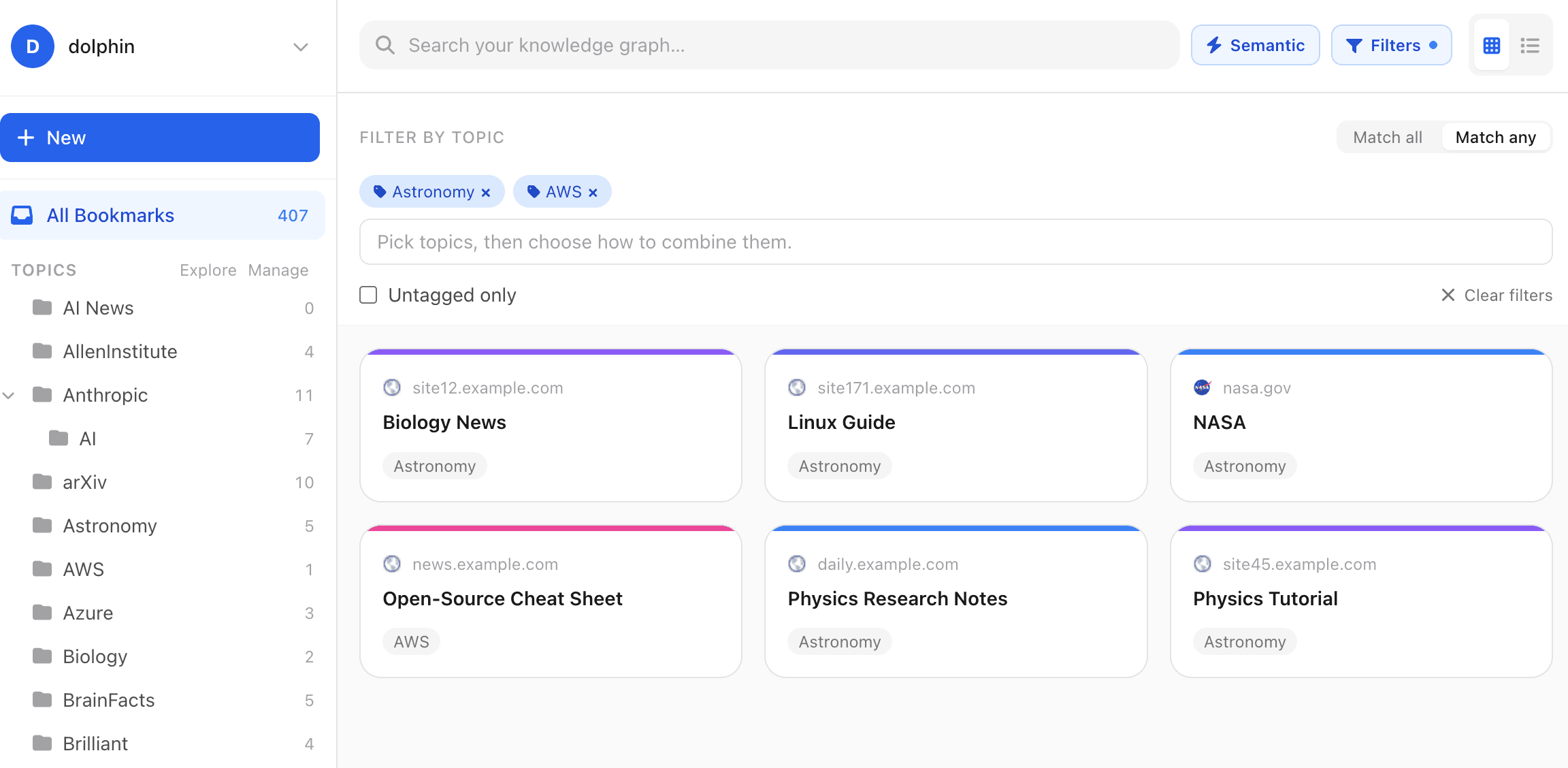
ProSemantic filters
Combine topics with AND or OR. Show only untagged bookmarks. Expand to bookmarks related to the current topic. Filters compose with search and stack with the sidebar, so you can drill down precisely.
 Pro
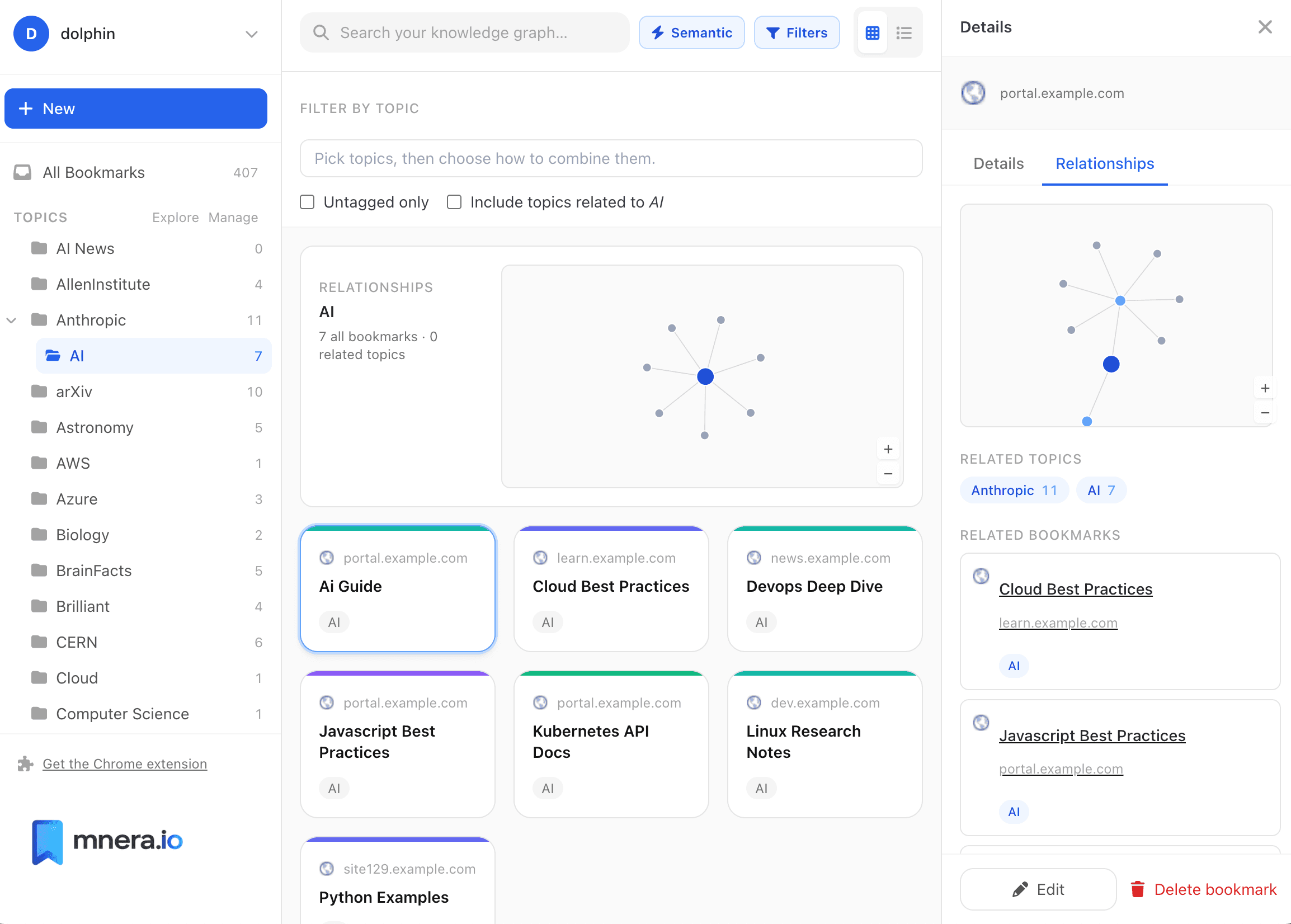
ProRelationships at a glance
Every bookmark and topic has a Relationships tab. See the topics this bookmark belongs to, their parents and children, and the other bookmarks reachable through shared topics — with the number of shared topics for each one.
 Pro
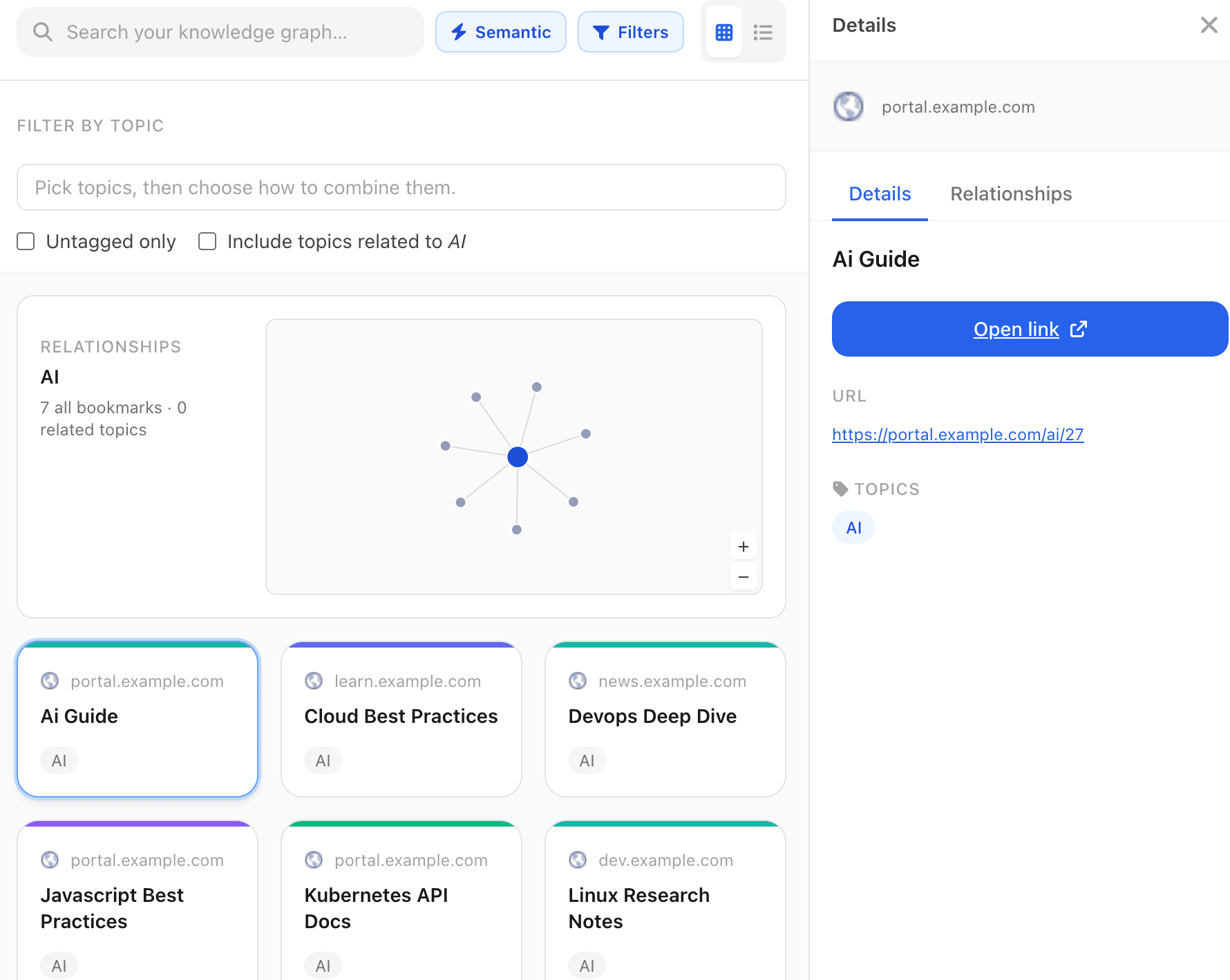
ProForce-directed graph
An interactive visualisation that draws topics and bookmarks as nodes, with edges for the relationships between them. Zoom with the wheel, drag the canvas to pan, grab a node to reposition. No setup, no external tools — just your knowledge graph, in motion.
 Pro
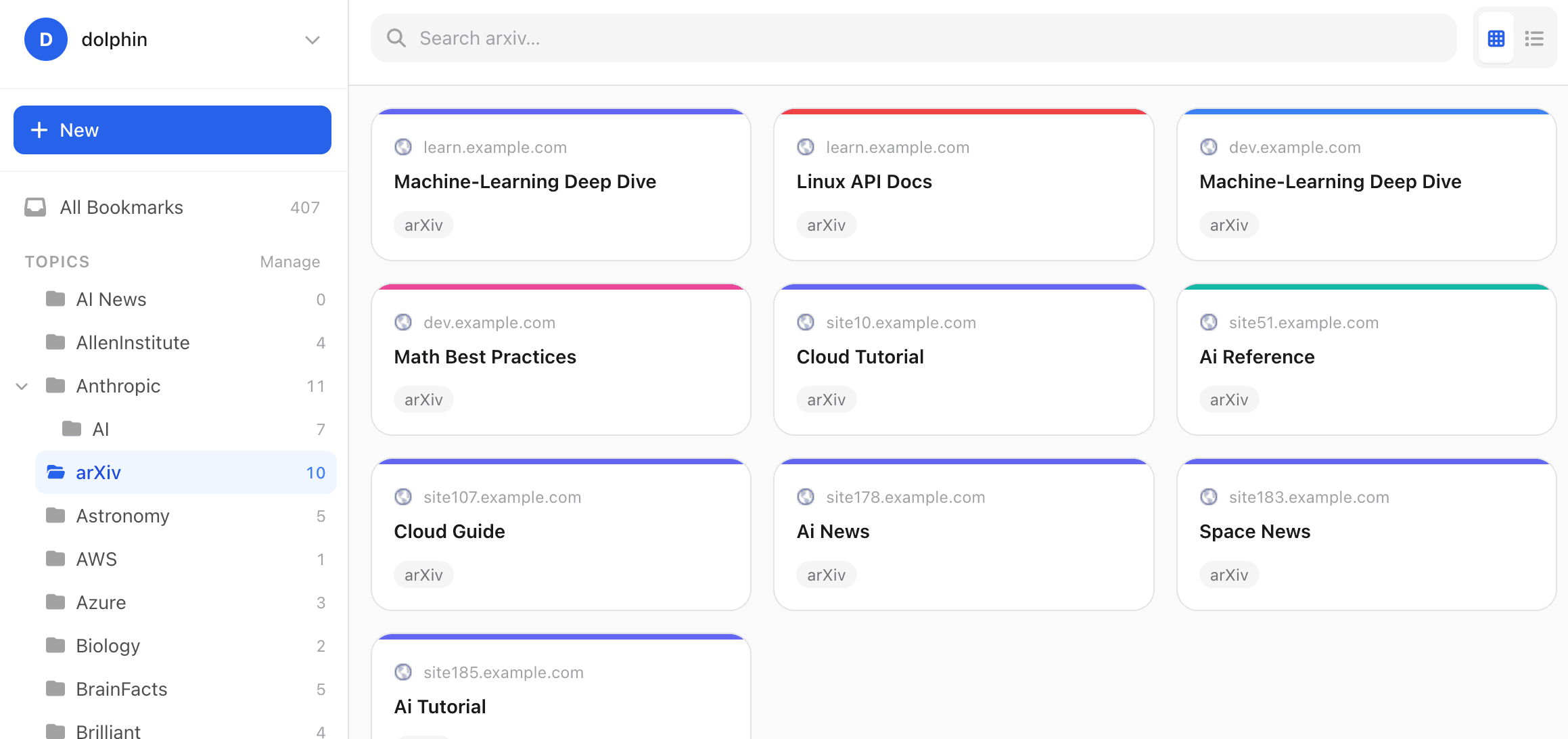
ProSubtopic-aware filtering
Select a parent topic and you see its bookmarks plus everything in its subtopics. The Pro engine walks the subtopic tree so a single click on "Programming" surfaces work under "Rust", "Python" and the rest.
 Pro
ProAlso in Pro
Broken link checker
Scan every URL in your pod, see the HTTP status of each one, and edit or delete broken bookmarks inline. Learn more.
Duplicate finder
Catch URLs you've saved more than once — even when they differ only by tracking params or casing — then delete the extras or merge them into one entry, choosing which title, description, and topics to keep. Learn more.
End-to-end encryption
Optionally encrypt every bookmark file in your pod, in your browser, before it leaves the device — so even the pod host can't read your titles, URLs, or topics. Toggle it from Account settings; one passphrase per pod; lose the passphrase and the data is gone, by design. Learn more.
Privacy image proxy
Cover images and favicons load through the mnera server instead of directly from third-party hosts, so those hosts never see your IP address. Learn more.
Find cover images
Covers are the pictures on your bookmark cards. mnera can fill them in for you with one click. Learn more.
Built on Solid. Owned by you.
mnera.io doesn't keep a copy of your bookmarks. Everything you save lives in your Solid pod — a personal data store you control, hosted by you or by any Solid-compatible provider you choose.
Your data is stored in standard RDF, an open W3C format. You can leave any time, take everything with you, and read it in any other Solid app. We don't lock you in because we structurally can't.
Learn more about security and privacyRead more
Guides and comparisons
Learn
Personal knowledge graphs, knowledge management, and Solid
Long-form guides on what a personal knowledge graph actually is, how personal knowledge management approaches compare, why browser bookmarks struggle at scale, and what data ownership requires in practice.
Browse the articlesCompare
mnera.io vs. Raindrop, Notion, browser bookmarks
Side-by-side feature tables for each major alternative — including what they do better than we do, and which user each tool fits.
See the comparisons